Cybercriminals Weaponize Fake CAPTCHA Prompts to Deploy Malware
Threat actors are exploiting user familiarity with web verification tools to trick individuals into executing malicious command-line scripts on Macs and PCs.
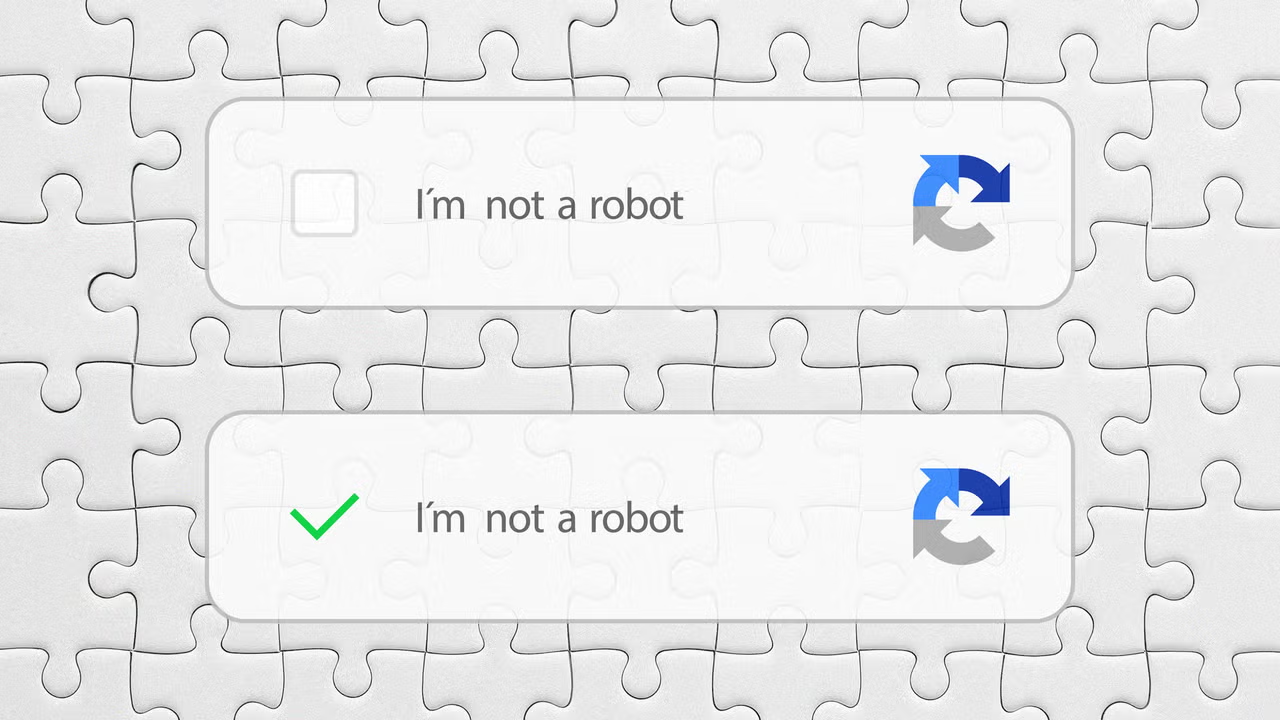
Cybersecurity threats are increasingly targeting human habits rather than software vulnerabilities alone, as threat actors deploy counterfeit CAPTCHA verification prompts designed to trick internet users into manually installing data-stealing malware on their personal and enterprise devices, according to a report by Fast Company. The emerging attack vector weaponizes one of the internet's most ubiquitous security mechanisms, turning a standard anti-bot defense into a direct conduit for keyloggers and spyware across Windows and macOS environments. Prompted by the growing prevalence of the scheme, the U.S. Federal Trade Commission (FTC) issued a consumer alert earlier this year warning users to remain vigilant against deceptive verification dialogs.
For modern digital workplaces and distributed enterprises, the proliferation of clipboard-based social engineering represents a significant operational hazard. Because traditional automated defenses are designed to block unauthorized external intrusions, attacks that manipulate authorized human users into executing terminal commands themselves can bypass standard perimeter protections, putting corporate credentials, financial accounts, and proprietary data at immediate risk.
The Mechanics of Verification Conditioning
To understand the effectiveness of the scheme, security analysts point to the psychological conditioning fostered by legitimate CAPTCHAs. The acronym, which stands for Completely Automated Public Turing test to tell Computers and Humans Apart, refers to the standard challenge-response boxes that require visitors to decipher distorted text or identify common objects—such as bridges or buses—within a three-by-three image grid. Website operators rely on these challenges to verify that a human, rather than an automated bot, is accessing a page, thereby mitigating automated data scraping and denial-of-service attacks.
Because internet users encounter these verification hurdles daily, they have been conditioned to complete them reflexively to reach their desired content. Threat actors exploit this learned compliance by embedding counterfeit CAPTCHA pop-ups onto malicious domains engineered to mimic high-traffic platforms such as Amazon, Apple, or Facebook. Rather than presenting a standard visual puzzle or text box, the fraudulent prompt instructs the user to perform a specific sequence of keyboard shortcuts under the guise of verifying their humanity or authenticating an account session.
"Legitimate CAPTCHAs will never ask you to carry out keyboard commands or open any type of app or command line interface on your computer."
Clipboard Hijacking and Cross-Platform Execution
The technical execution of the scam relies on surreptitiously loading malicious code into the visitor's system clipboard the moment they interact with the counterfeit web page. The fraudulent prompt then guides the user through the exact keystrokes required to paste and execute that hidden payload within their operating system's command-line interface.
According to the Fast Company report, the attack methodology targets both major desktop operating systems through platform-specific instructions. On Windows machines, targets are typically instructed to press the Windows+R keyboard shortcut—which launches the operating system's native Run dialog box—followed by Ctrl+V to paste the hijacked clipboard contents and execute the script. On Apple computers running macOS, users are directed to press Command-Space to open Spotlight search, type "Terminal" to launch the command-line application, and press Command+V to run the malicious instructions. Both interfaces allow users to execute direct system commands capable of downloading and installing unauthorized files and applications in the background. Once executed, the payload deploys spyware or keyloggers engineered to harvest usernames, passwords, and sensitive personal information for financial fraud and identity theft.
Defensive Posture and Incident Response
Mitigating the threat of command-line social engineering requires heightened user awareness and strict adherence to basic verification hygiene. Security guidelines emphasize that authentic web verification systems operate entirely within the browser window and never require users to follow multi-step keyboard instructions or launch native system utilities. Additional indicators of a fraudulent prompt include verification boxes that appear unexpectedly on unverified domains or claim to authenticate services—such as Facebook—that the user is not actively visiting.
When users encounter a suspicious verification prompt requesting keyboard shortcuts, the primary defense is to cease interaction immediately and close the browser tab. For individuals or enterprise employees who have already executed the requested keystrokes—particularly if an unexpected file download is observed—the Federal Trade Commission advises immediate containment measures. Affected users should sever their device's internet connection by disabling Wi-Fi or unplugging network cables to halt outbound data exfiltration, and immediately execute comprehensive security software scans to identify and eradicate installed malware.